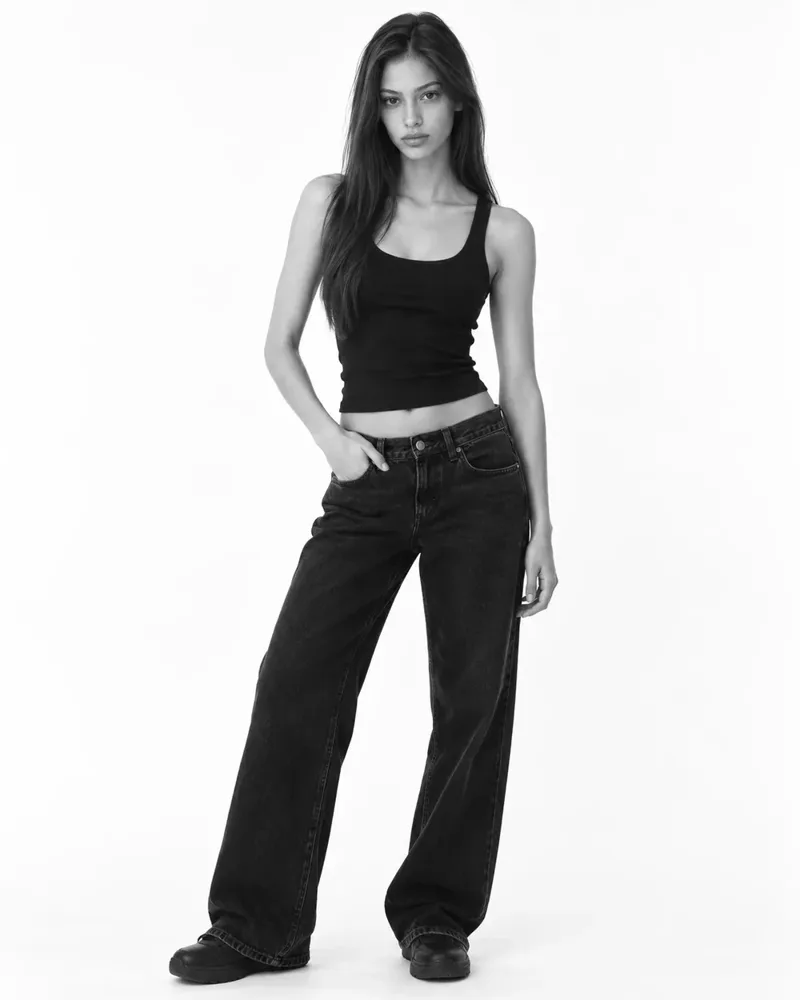
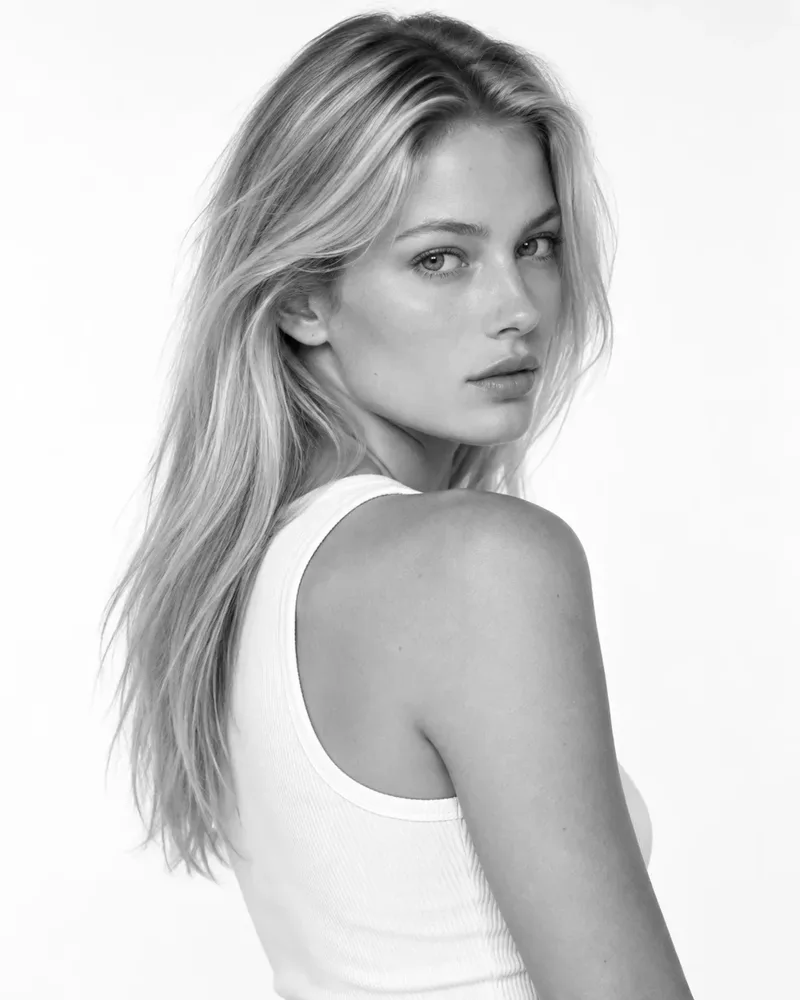
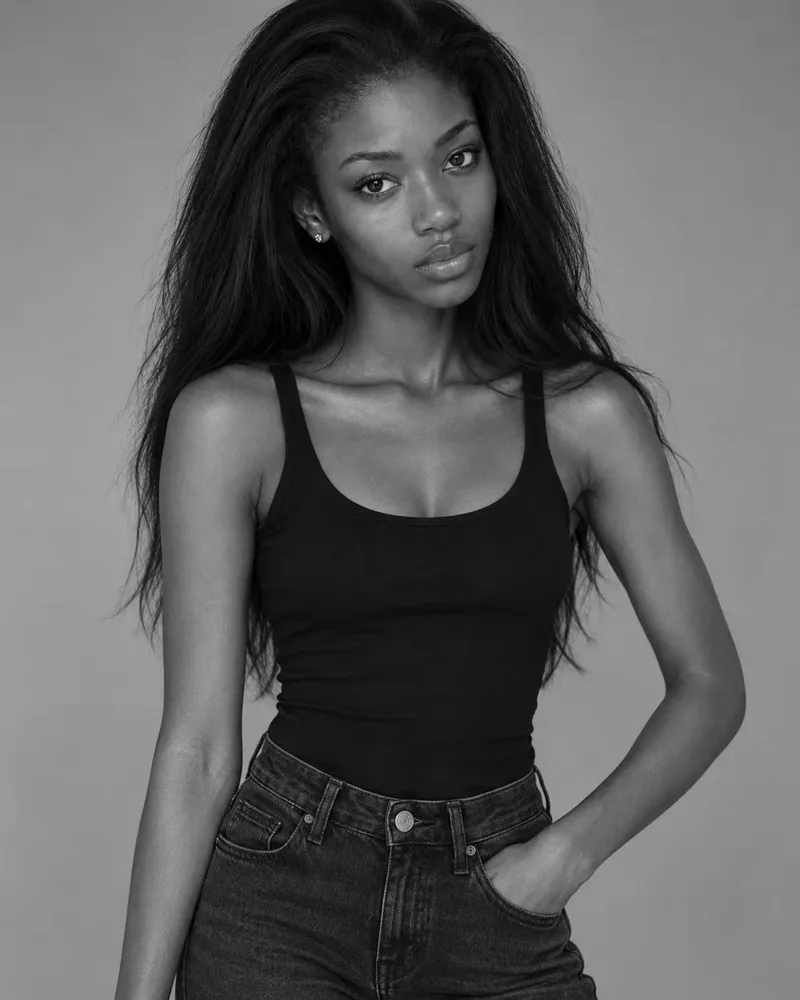
What a model comp card template should do
A template is only useful if it gets out of the way. The page has one job: help a booker decide, in a few seconds, whether you fit a job. That means the template has to make three things easy to find.
- Your face and your shape. One strong main photo and a few supporting ones.
- Your numbers. Height, measurements, shoe size, hair and eye colour.
- A way to reach you. An email, a phone number, or your agency's details.
Everything else is decoration. If a template buries those three things under borders, logos or clever type, pick another one.
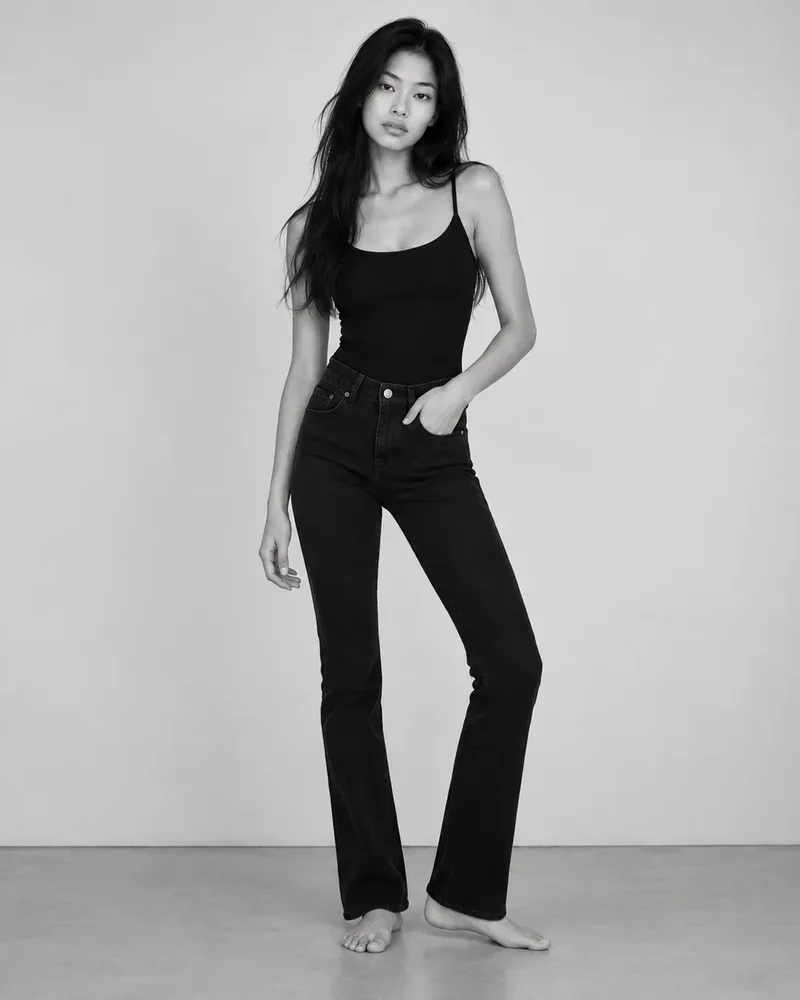
Seven templates and who each one suits
FYND has seven designs, and each one is a template you can fill in online. You can switch between them at any time without changing your link.
Classic
A single page with one large portrait, a row of smaller photos and your details in sections underneath. It is the safest choice and the right place to start if you are new. Agencies know how to read it at a glance.
Studio
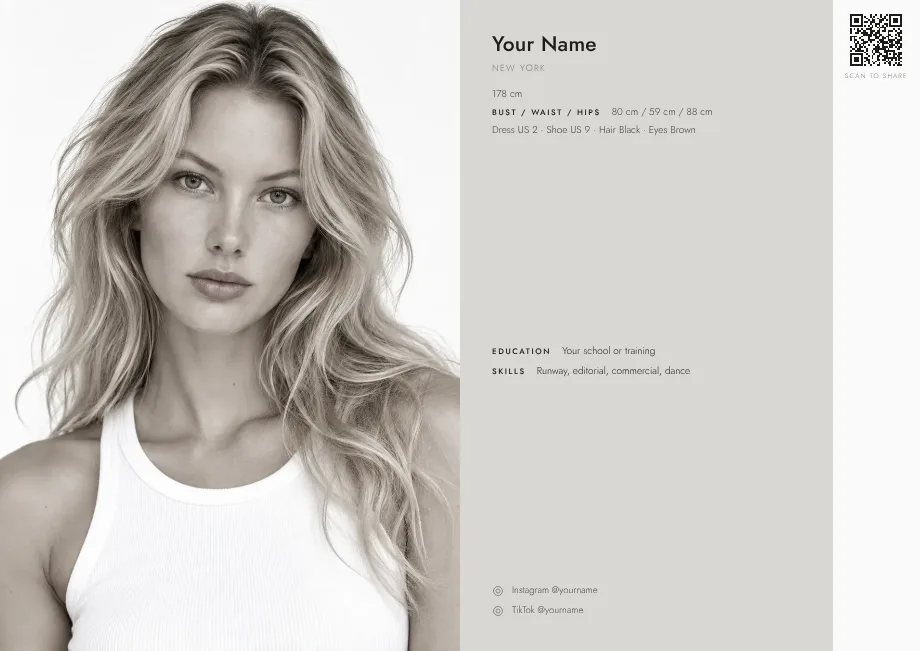
A large portrait on one side and a quiet panel of details on the other. It suits models with one standout photo and a short list of numbers, and it looks good on a phone.
Composite
A grid of images in the style of a printed agency composite. It is best when you have four or five strong photos that show range, from a close-up to a full-length shot.
Editorial
A tall name down the side with photos set like a magazine spread. Use it when your photos are more styled and you want the card to feel like a fashion page.
Portrait
Built around a single image. It works when you are early in your career and have one excellent headshot rather than a full set.
Noir
A dark layout with a strong portrait. It suits dramatic black and white photos, but check that your measurements and contact details stay easy to read.
Minimal
Lots of white space and very little else. It is a good choice for models whose photos are clean digitals and who want the card to feel calm.
How to choose between them
Choose by your photos, not by taste. Look at the best four photos you have and ask which layout shows them off without adding noise.
- One great photo and little else: Portrait or Studio.
- Four or five photos with range: Composite or Classic.
- Styled, magazine-like photos: Editorial.
- Black and white, high contrast: Noir.
- Clean digitals, simple look: Minimal.
If you are unsure, use Classic. You can try another design in a minute and compare, because the photos and details stay the same.
What to put in the template
A good template still needs good content. Here is what to add, in order of importance.
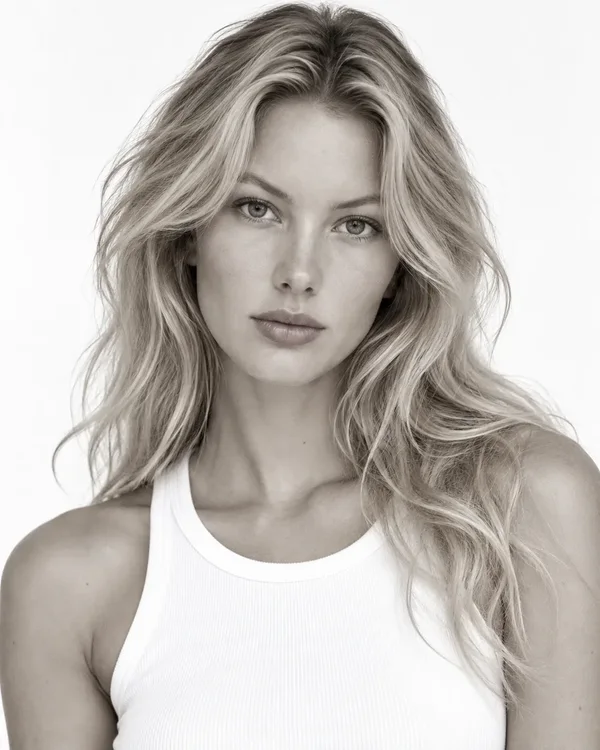
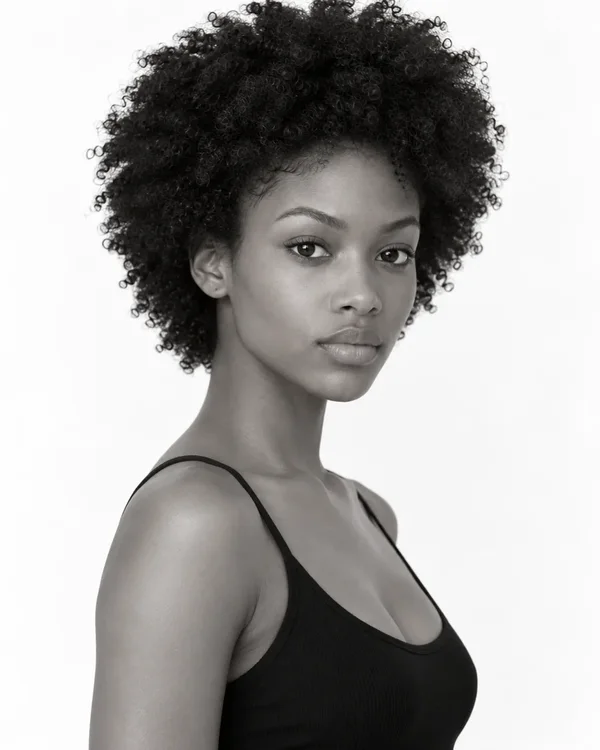
- Photos. Three to five recent, natural photos: a headshot, a full-length shot, a profile or three-quarter angle, and one with personality. If you need help getting them, read about digitals and polaroids.
- Measurements. Height, bust or chest, waist and hips, plus shoe size, hair and eye colour. Measure yourself on a normal day and be accurate. The model measurements guide shows how.
- Contact details. An email you check, and a phone number if you are comfortable sharing it. On FYND, agencies can also message you inside the app without seeing your email.
- A short line about you. Optional. One sentence is enough, such as where you are based and what kind of work you want.
For a full checklist, see what to put on a comp card.
Print or digital
A template can be printed, but a digital card has real advantages. You can fix a typo or swap a photo and the same link updates. You can send one link instead of attaching a file. And you can save it as a PDF in the size an agency asks for whenever you need to. If you do print one, check the right size first in the comp card size guide.
Share it so it gets seen
A template is only worth the time if people open it. Put your link in your email signature and your Instagram bio, add the QR code to a business card, and include it when you submit to modeling agencies. FYND is free for talent, and you decide who can find your card.
In short
A comp card template saves you the design work, but it cannot choose your photos or write your numbers for you. Pick the layout that suits your best four photos, fill in honest measurements and a way to reach you, and share one link. You can build yours free in a few minutes and change it any time.
For the whole picture in one place, see model comp cards: the complete guide.
To see the seven designs side by side, visit model comp card examples.
Frequently asked questions
Is there a free model comp card template?
Yes. FYND has seven free templates. You add your photos and details online, pick a design and share a link, a QR code or a PDF. There is no charge to build or share a card.
What is the best comp card template for a beginner?
The Classic layout. It has one large portrait, a few smaller photos and clear sections, which is the format agencies read most easily. You can switch to another design later without losing anything.
Can I use a Canva or Word template instead?
You can, but you have to manage the layout, the file size and the updates yourself. A comp card maker keeps the layout tidy, gives you a link that updates when you change your photos, and saves a clean PDF when you need one.
How many photos should a comp card template have?
Between three and five. Fewer rarely shows enough range, and more makes the page slow to read. Choose recent, natural photos that look like you on a normal day.
Do I need professional photos for a comp card?
No. Clear, natural-light photos from a phone are enough to start. Agencies mostly want to see what you really look like, so simple digitals often work better than heavy retouching.