Help and support
For talent
 Create a free FYND account as talentChoose Join free, then follow three short steps: your name and photos, your card on a preview, and a last ste…
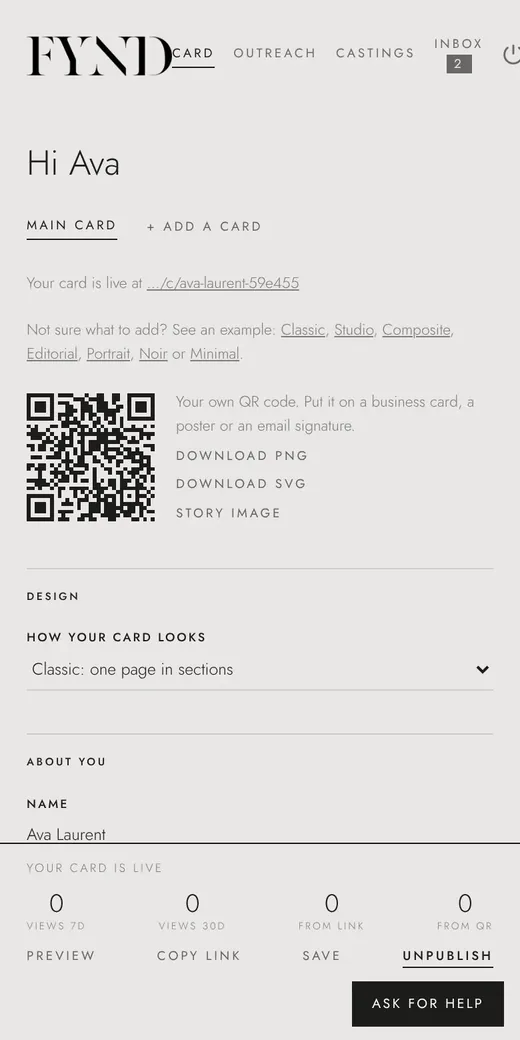
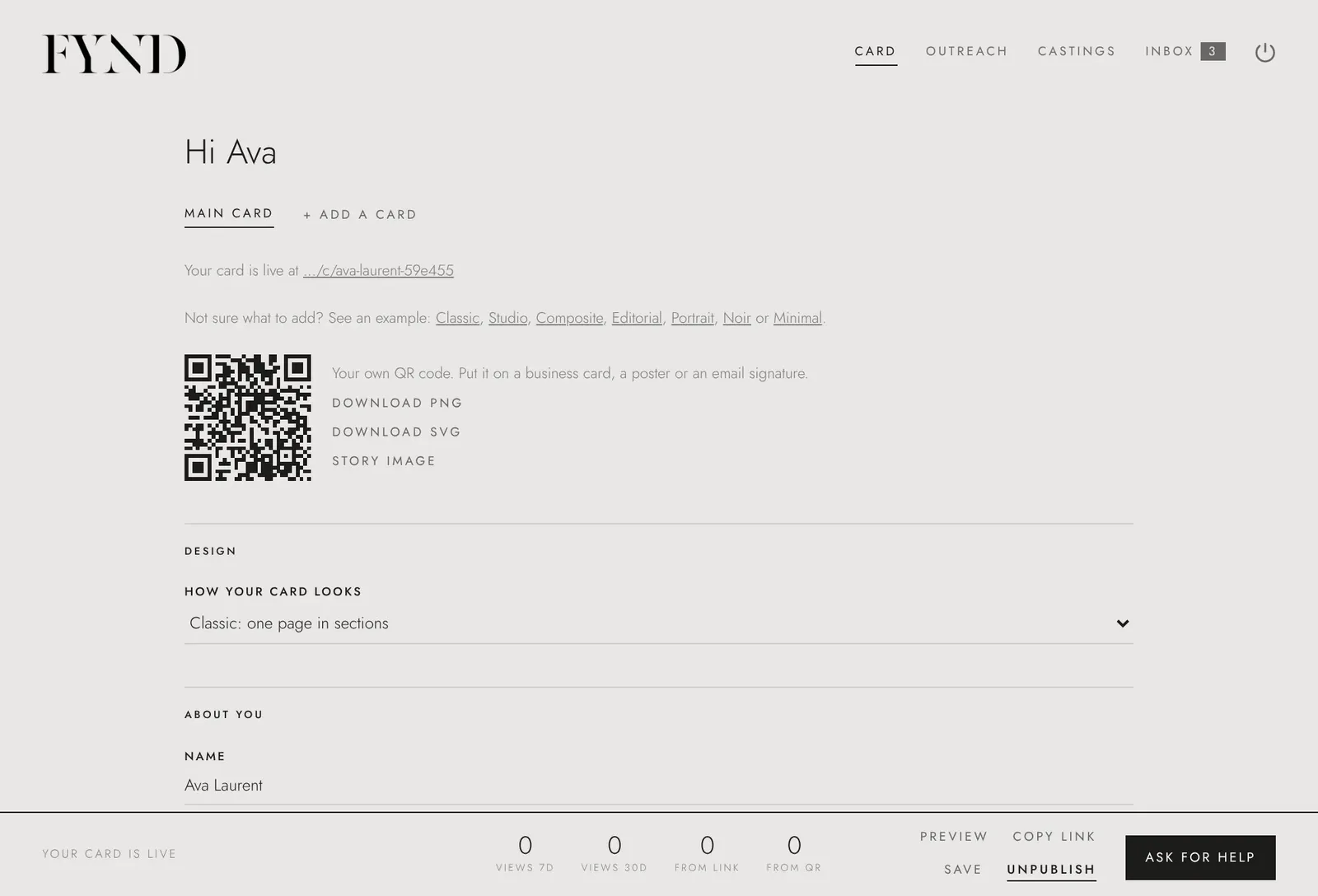 Build your comp cardOn the Card tab, add your photos, fill in your details and measurements, choose a design and save. You can co…
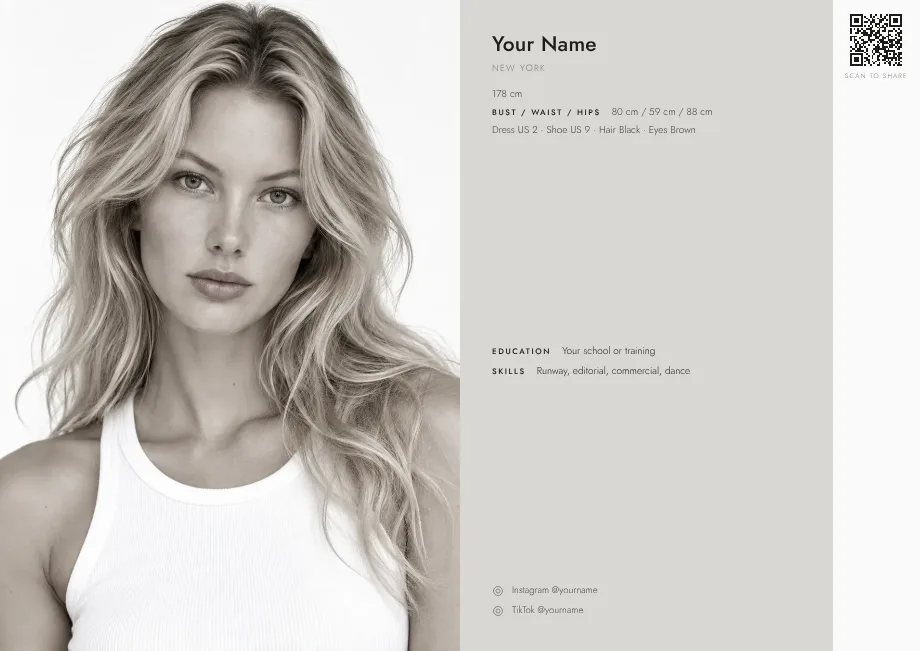 Choose or change your comp card designFYND has seven designs: Classic, Studio, Composite, Editorial, Portrait, Noir and Minimal. Pick one under Des…
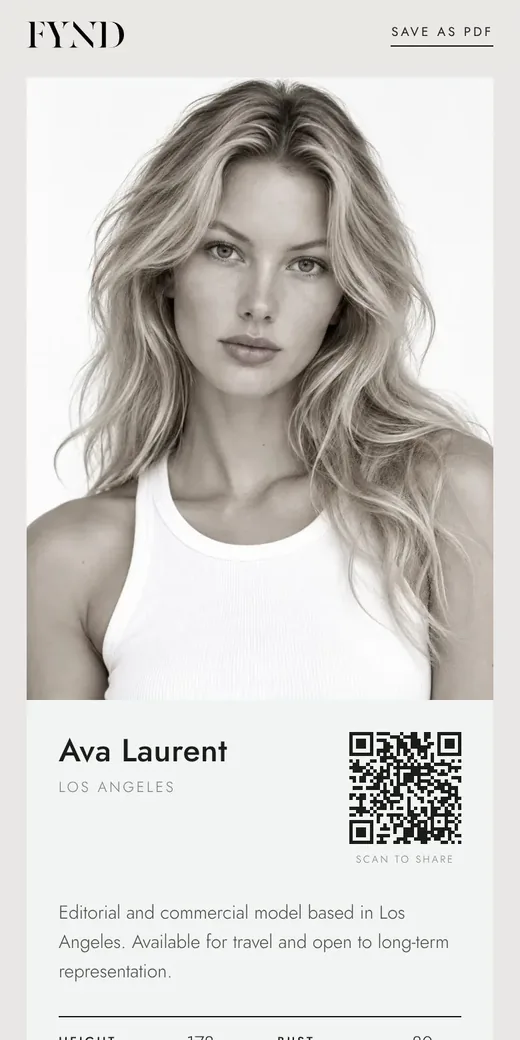 Publish (or unpublish) your comp cardA new card is a draft only you can see. Choose Publish on the Card tab to make it live at its own link. Choos…Share your card: link, QR code, story image and PDFOnce your card is published you can copy its link, download your own QR code, get a ready-made story image fo…
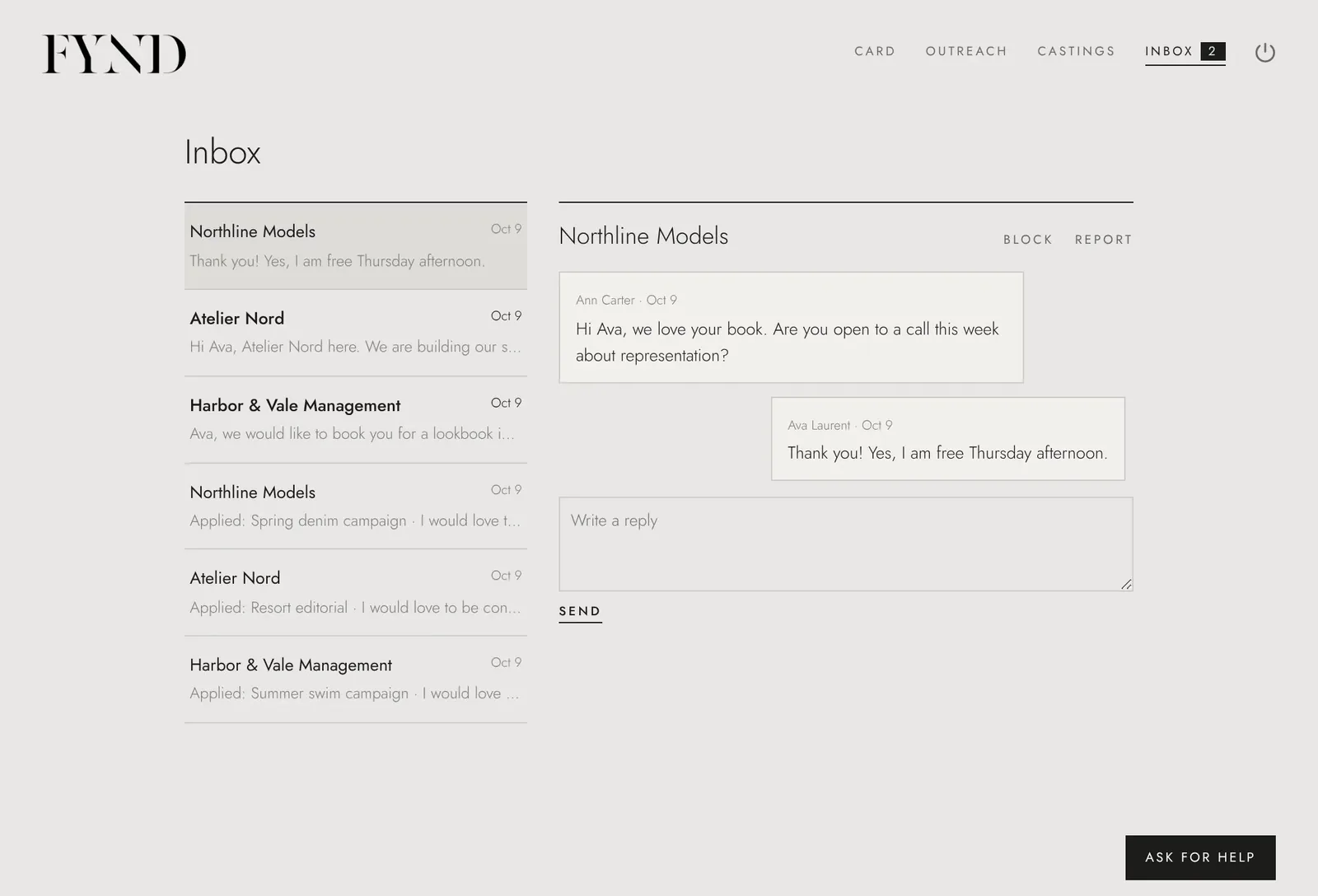 Agencies find your card (and how to turn it off)Agencies only see you in FYND search if your card is published and you have ticked Let agencies find my card.…Your FYND inbox worksAgencies can write to you in your FYND inbox only if your card is published and you have chosen to be found.…
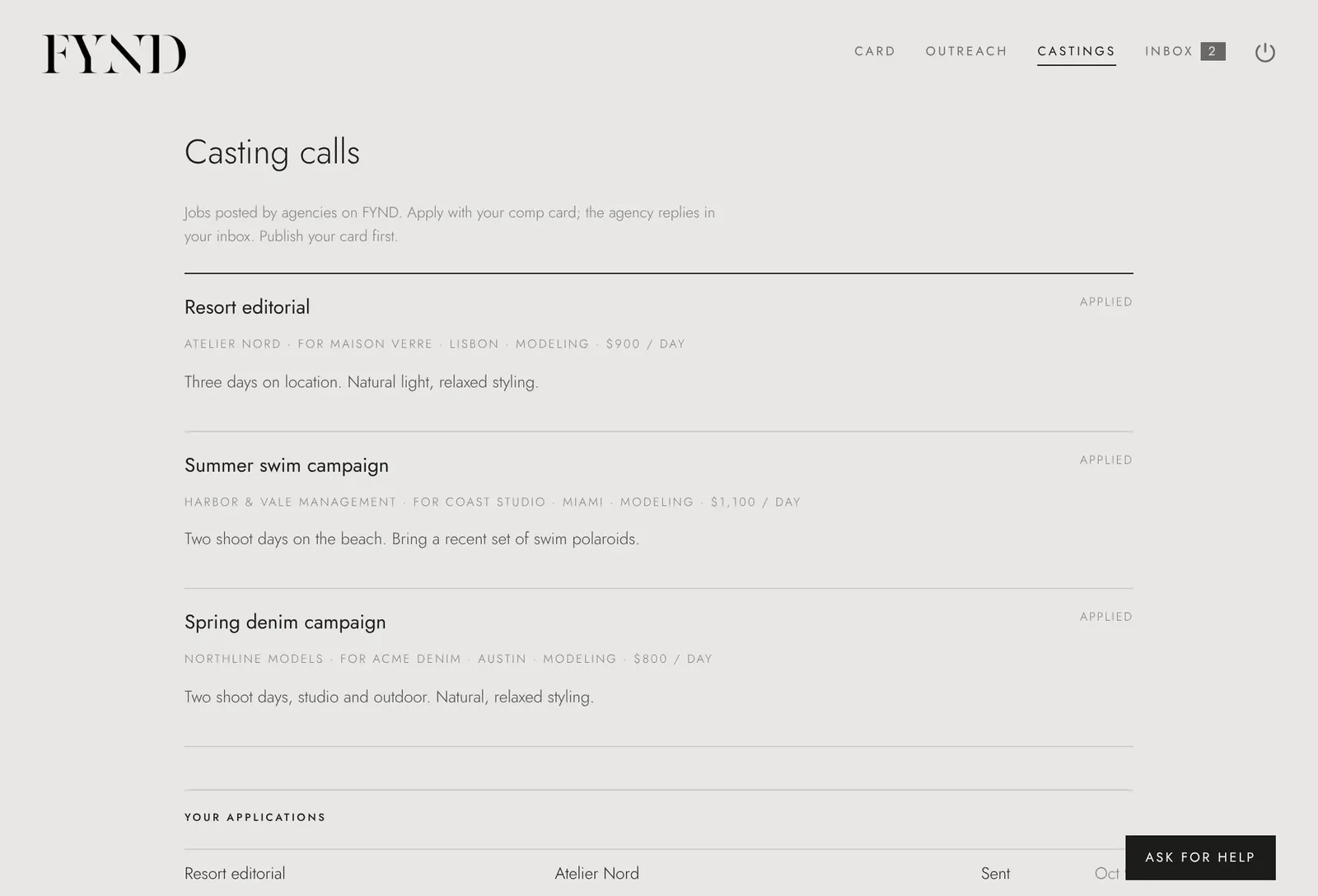 Apply to a casting callOpen the Castings tab, choose a job and apply with your comp card in one step. The agency replies in your inb…Add availability, travel dates and videos to your cardAdd where you will be and when, so agencies searching a city find you when you are there, and add up to four…Get a verified badge on your cardA verified tick shows agencies that a social account really is yours. You can prove it by adding a code to yo…See how your card is doingYour card shows views per day, split by link and QR code. It does not show who looked.Switch between centimetres and inchesChoose centimetres or inches in your account settings. Your card shows the numbers the way you wrote them.Change your password, download your data or delete your accountIn Account on the Card tab you can change your password, sign out everywhere, download all your data, or dele…The Outreach tab doesThe Outreach tab helps you prepare to contact agencies. It shows each agency's own application rules and lets…Stay safe on FYND and report a problemFYND is for people 18 and over. You decide who sees your card and who can message you. You can block or repor…
For agencies
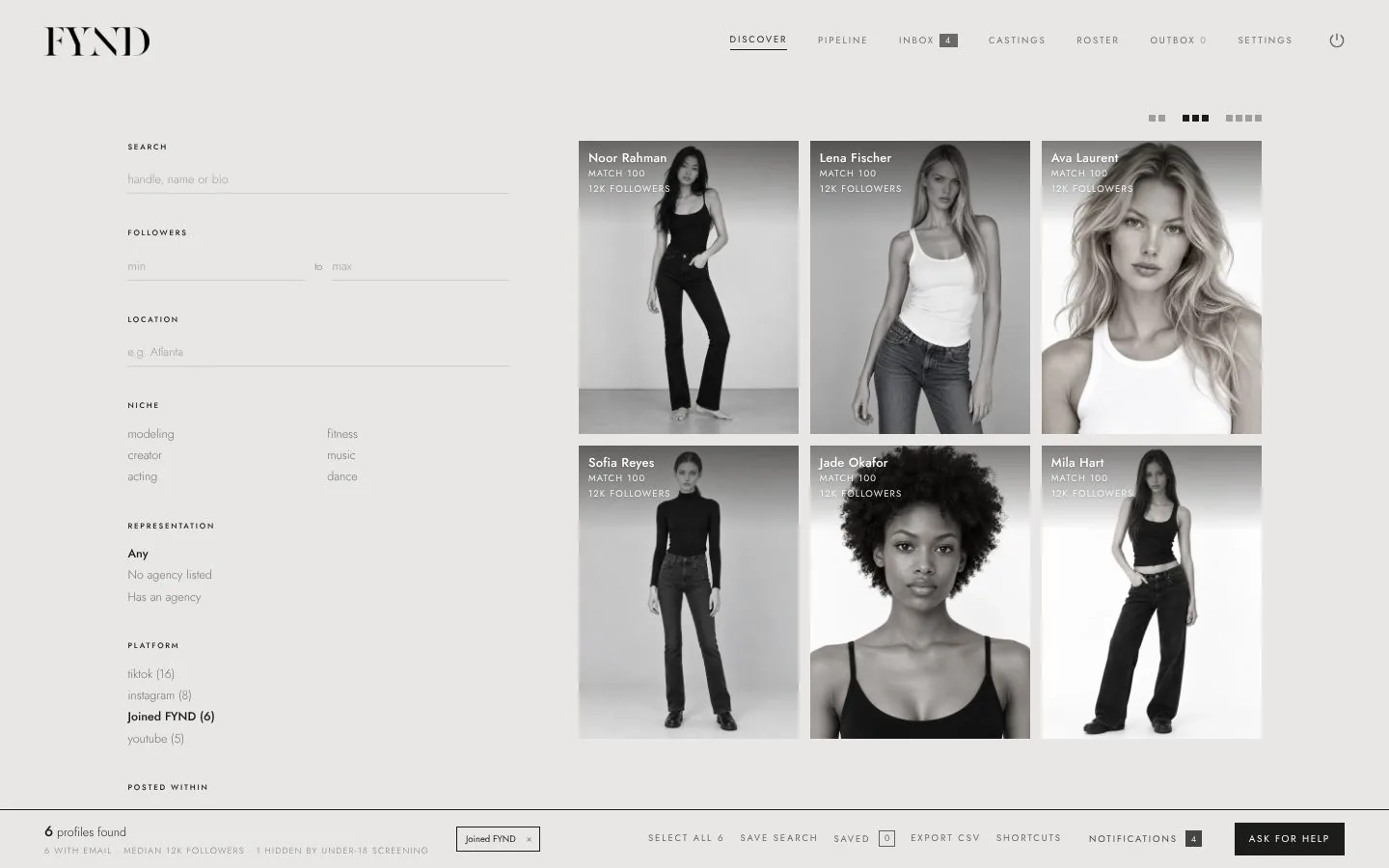 Create an agency accountChoose Create an agency account, enter your agency name, your name, a work email and a password, then choose…Find talent in DiscoverUse Discover to search by location, niche and followers. Choose the platform filter for people who joined FYN…Shortlist and organise talentShortlist people you like, put them in lists, tag them and track them on the Pipeline board.
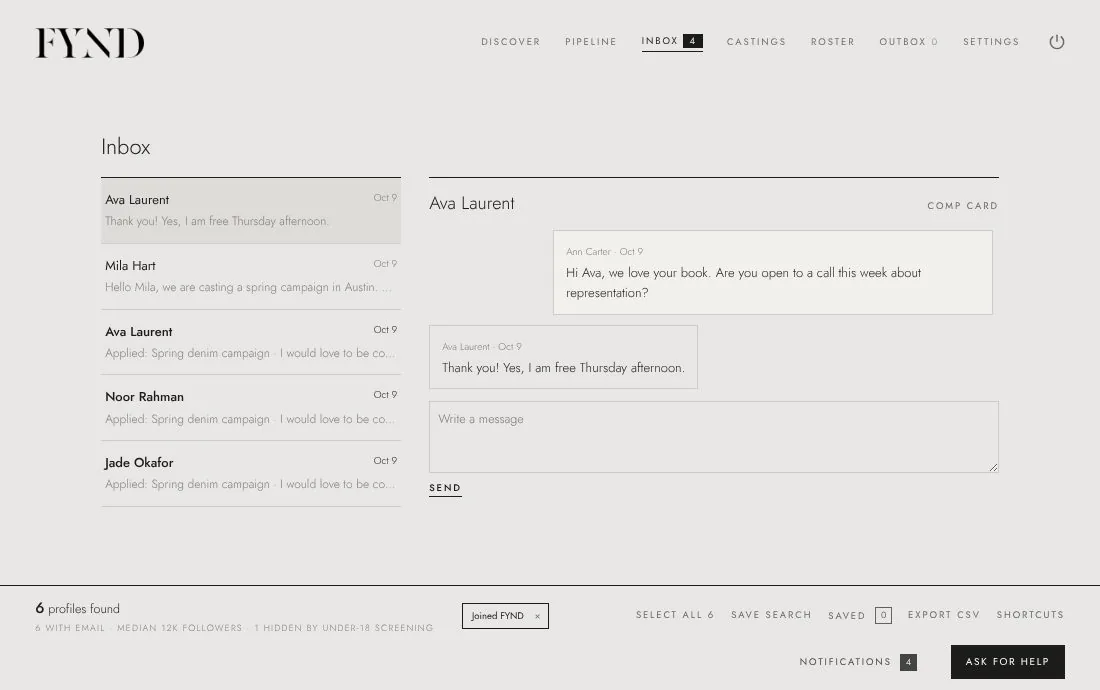 Message talent who joined FYNDOpen a profile in Discover and choose Message. They hear from you in their FYND inbox and replies arrive in y…
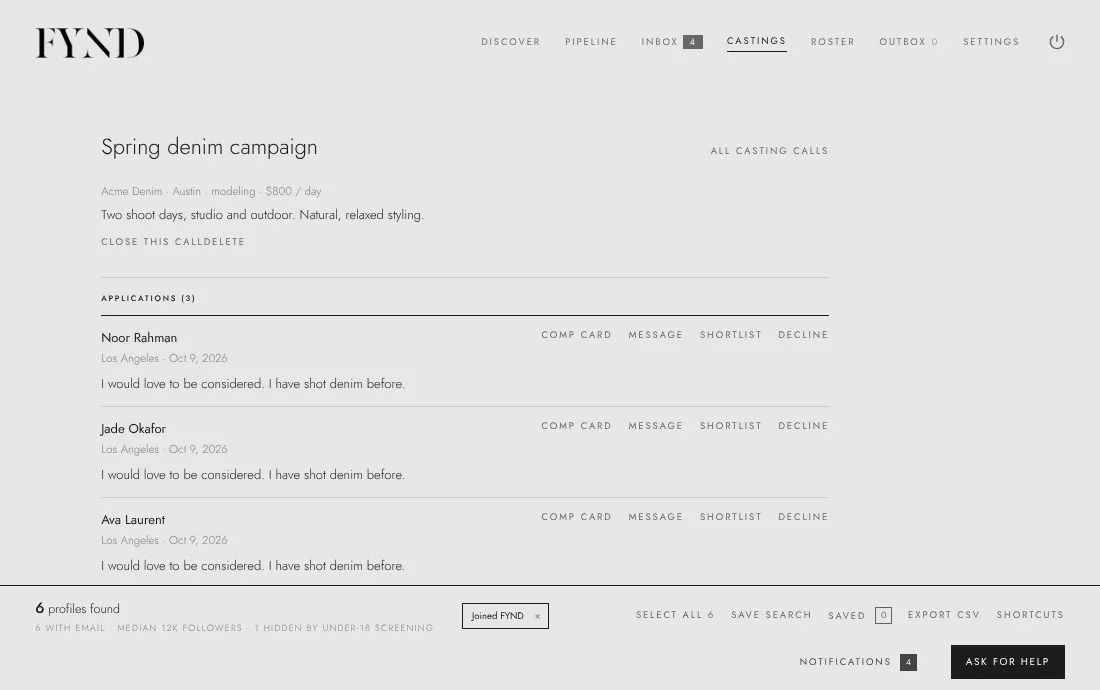 Post a casting call and review applicationsIn the Castings tab choose New casting call, fill in the job and publish it. Talent with a published comp car…
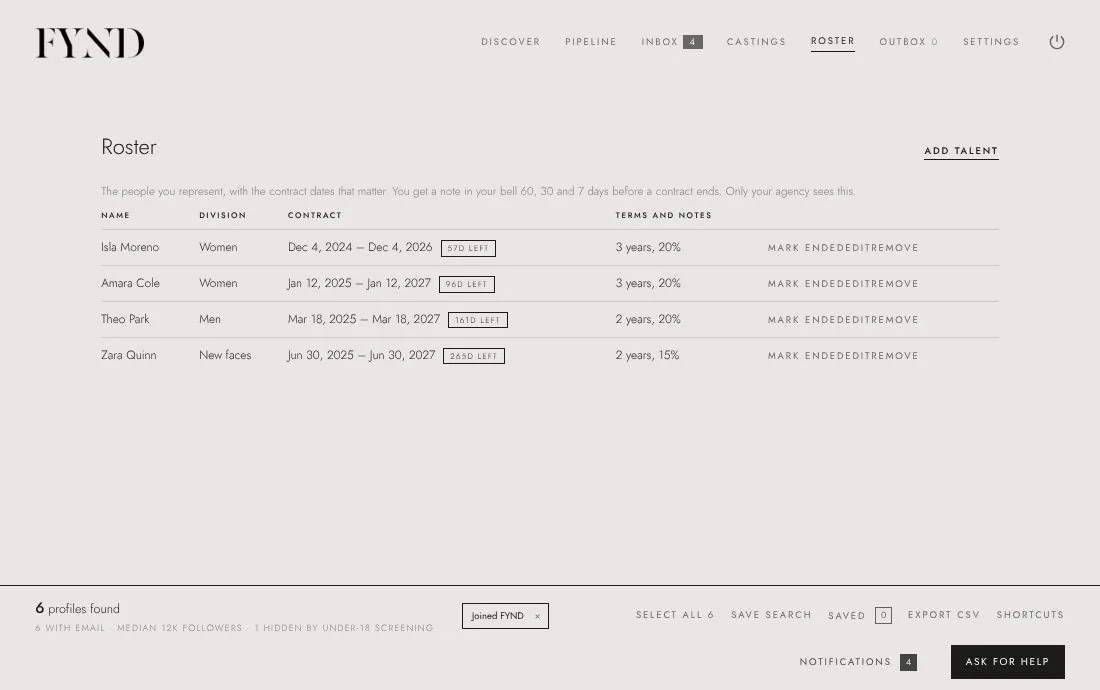 Keep a roster with renewal remindersThe Roster tab holds the people you represent with the contract dates that matter. You get a reminder in your…
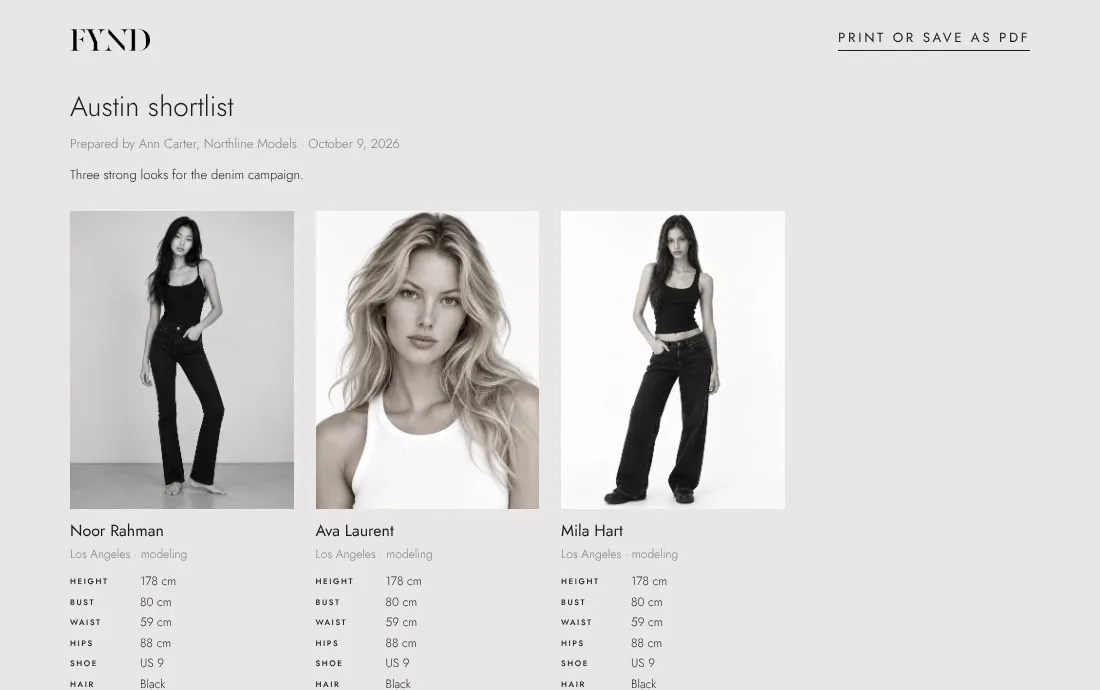 Send a one-page scouting reportCreate a one-page, printable shortlist to send to a booker or a client. Only people with a published comp car…Invite your team and manage your planIn Settings you can invite teammates (each gets their own login), see your plan and its limits, and upgrade t…
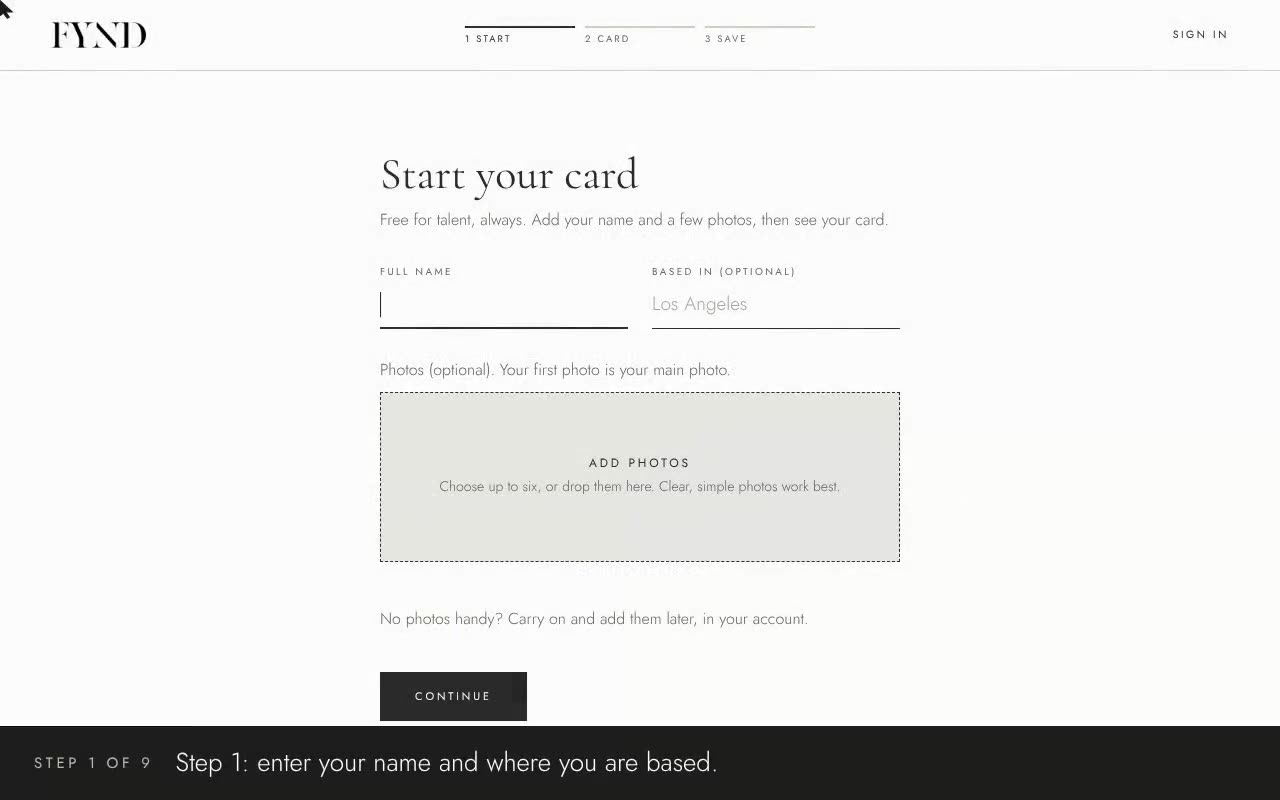 PlayCreate your card in FYND0:47 · captions on screen
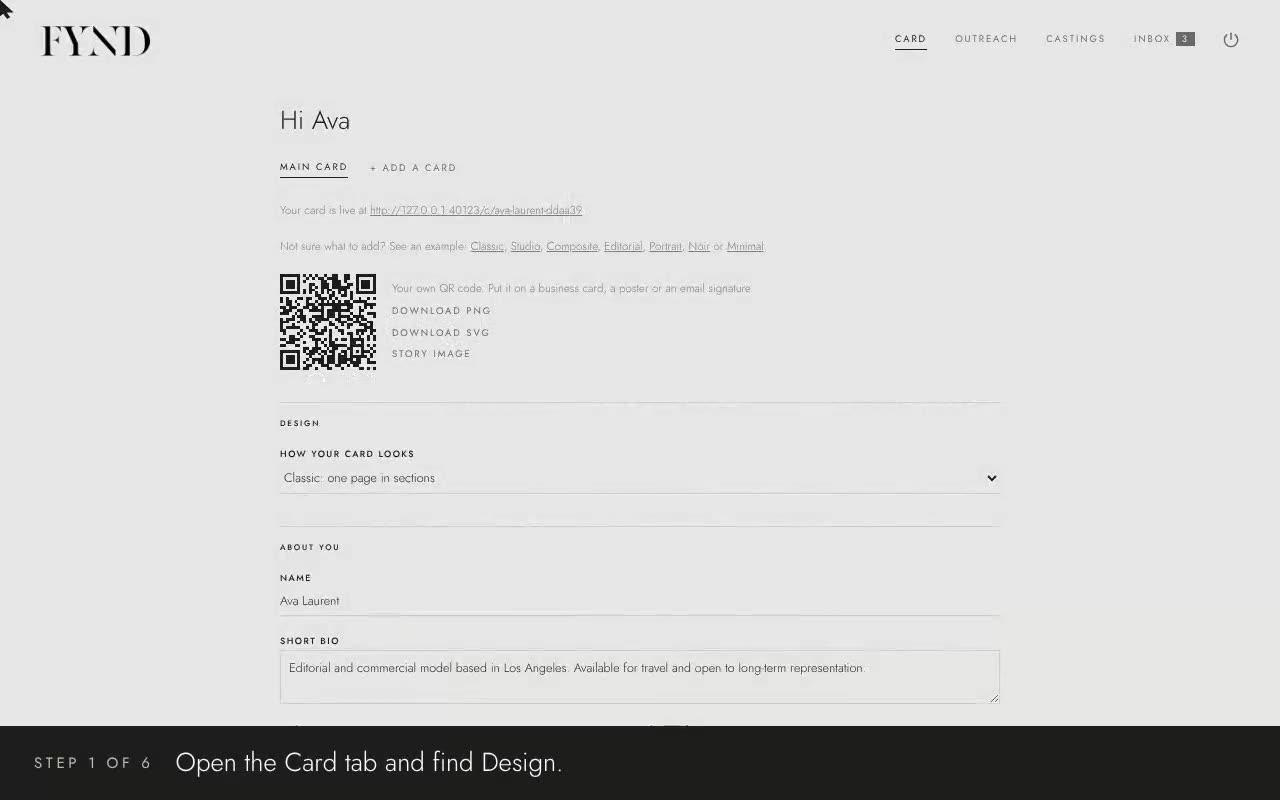 PlayChoose a design and share your card0:45 · captions on screen
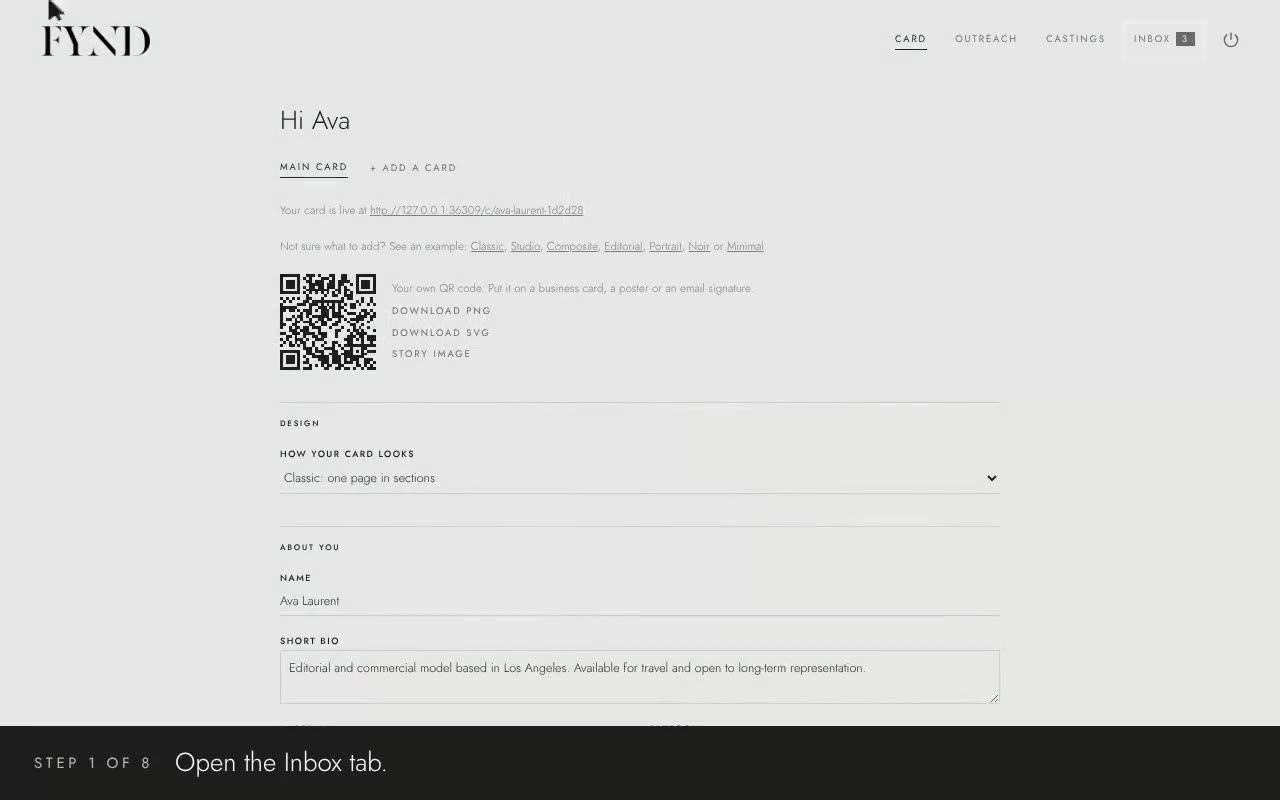 PlayYour inbox and casting calls0:45 · captions on screen
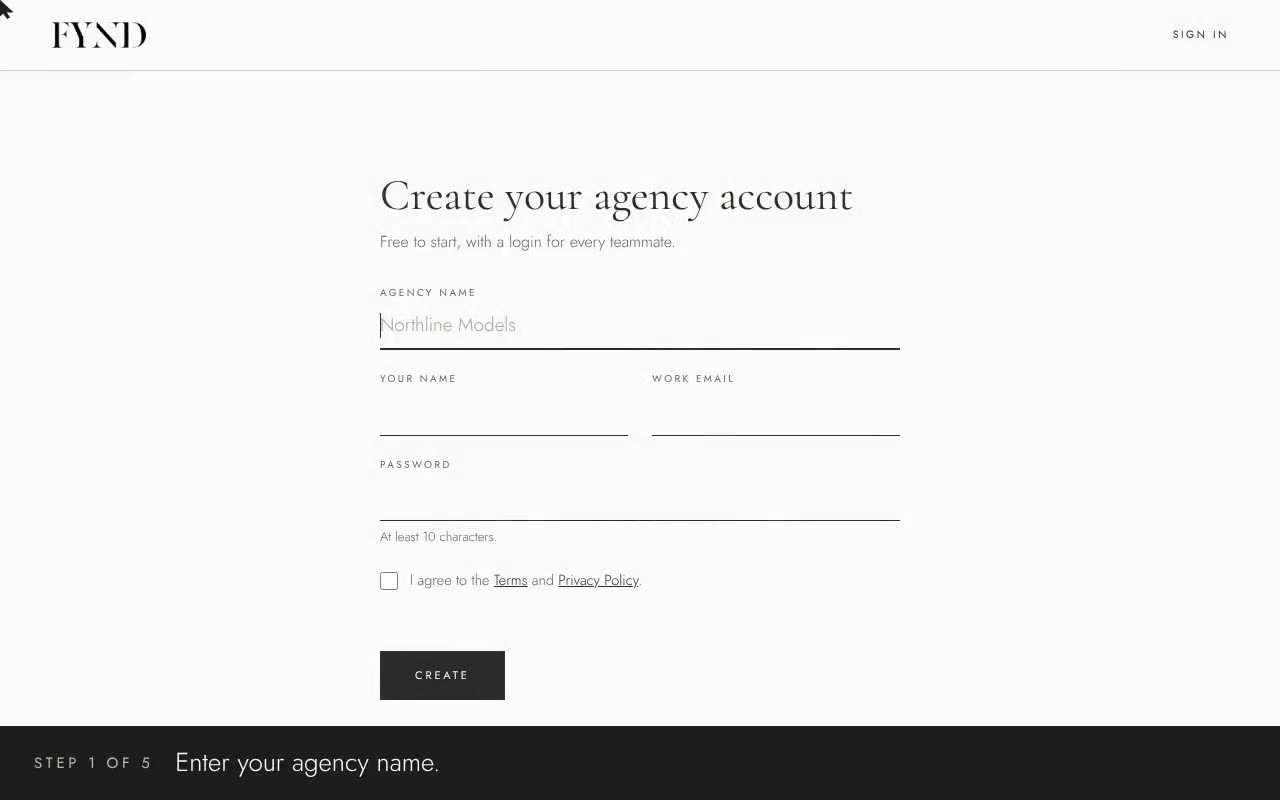 PlayCreate an agency account0:25 · captions on screen
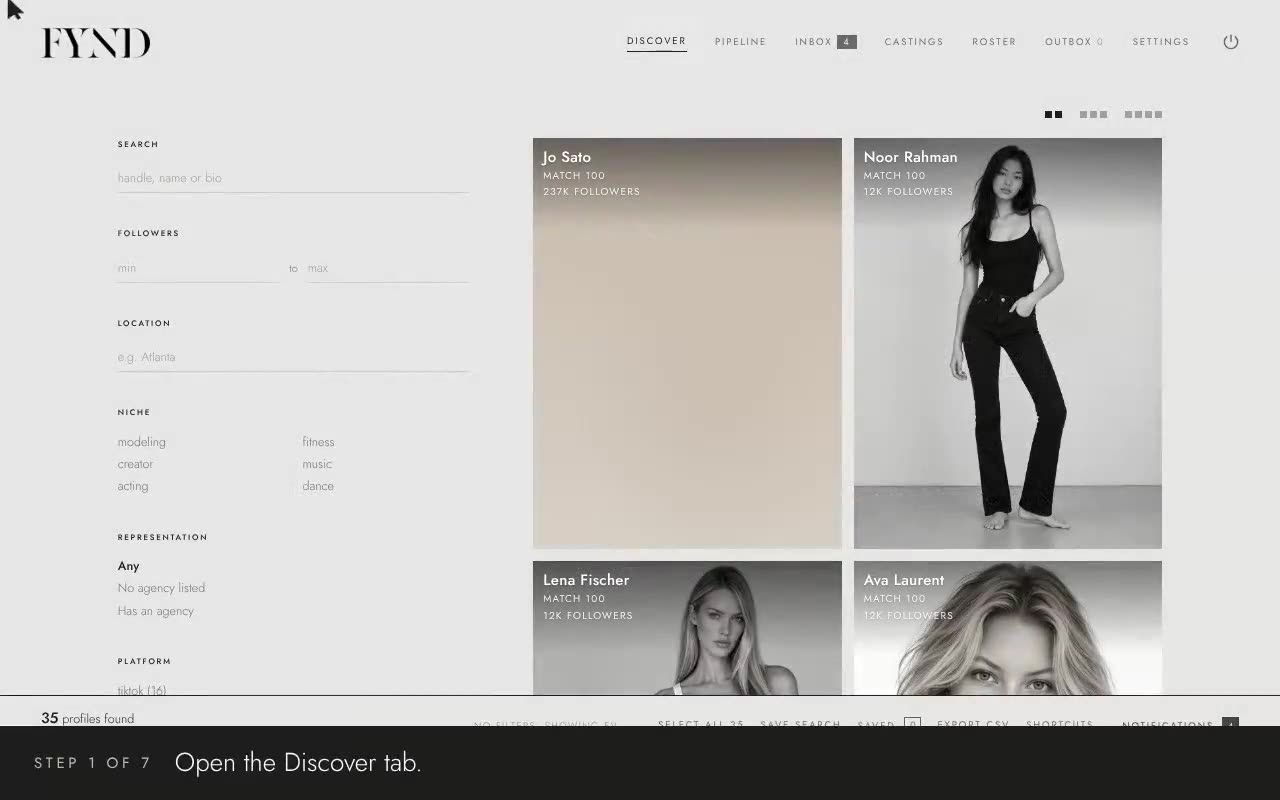 PlayFind and message talent0:50 · captions on screen
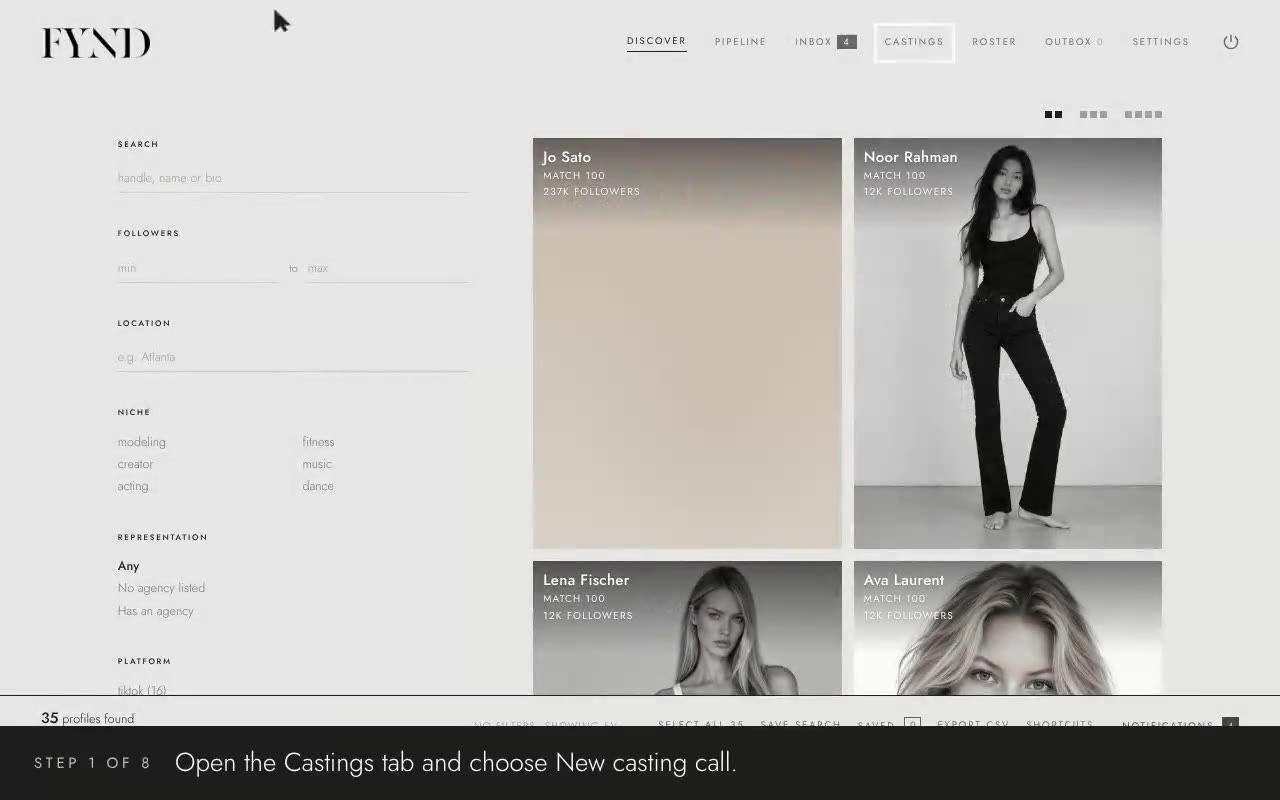 PlayCasting calls, roster and scouting reports1:00 · captions on screen