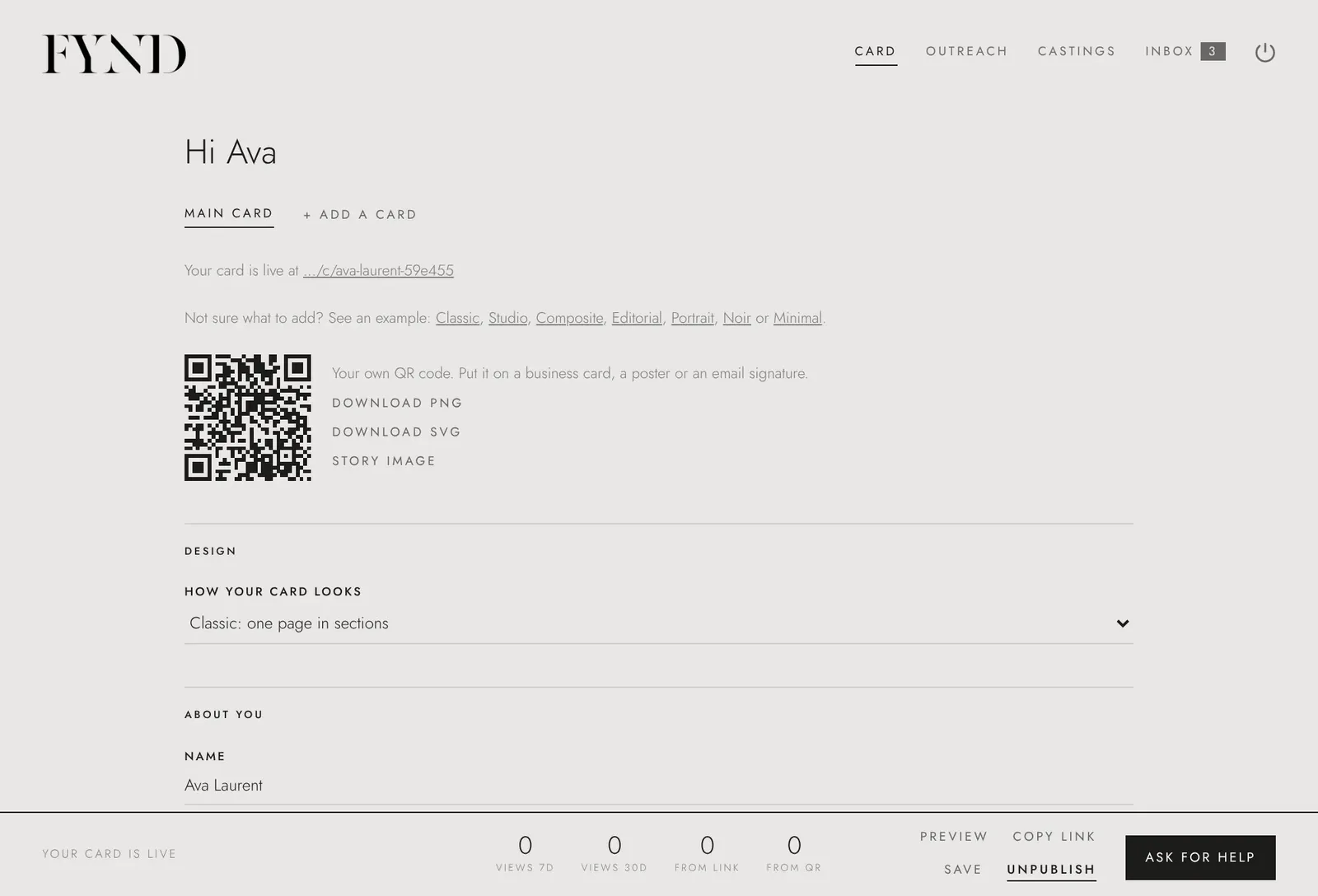
How to choose or change your comp card design
FYND has seven designs: Classic, Studio, Composite, Editorial, Portrait, Noir and Minimal. Pick one under Design on the Card tab. You can change it at any time and your link and QR code stay the same.
Steps
- Open the Card tab and find Design near the top.
- Open the How your card looks menu and choose one of the seven designs. Use Preview in the bar at the bottom to see your card in it.
- Choose Save.
- To keep more than one card, choose + Add a card. Each card has its own design, and you can keep up to four.
Good to know
- The designs are: Classic (one page in sections), Studio (three printed-style spreads), Composite (a portrait sheet like an agency composite), Editorial (a poster with your name set large and sideways), Portrait (a large close-up, a details panel and a row of three), Noir (a black panel beside a large photo) and Minimal (a clean white sheet with one framed photo).
- Because your link and QR code stay the same, a card you have already shared updates by itself when you change the design.