How to share your card: link, QR code, story image and PDF
Once your card is published you can copy its link, download your own QR code, get a ready-made story image for Instagram, and save the card as an A4 PDF.
Steps
- Publish your card first.
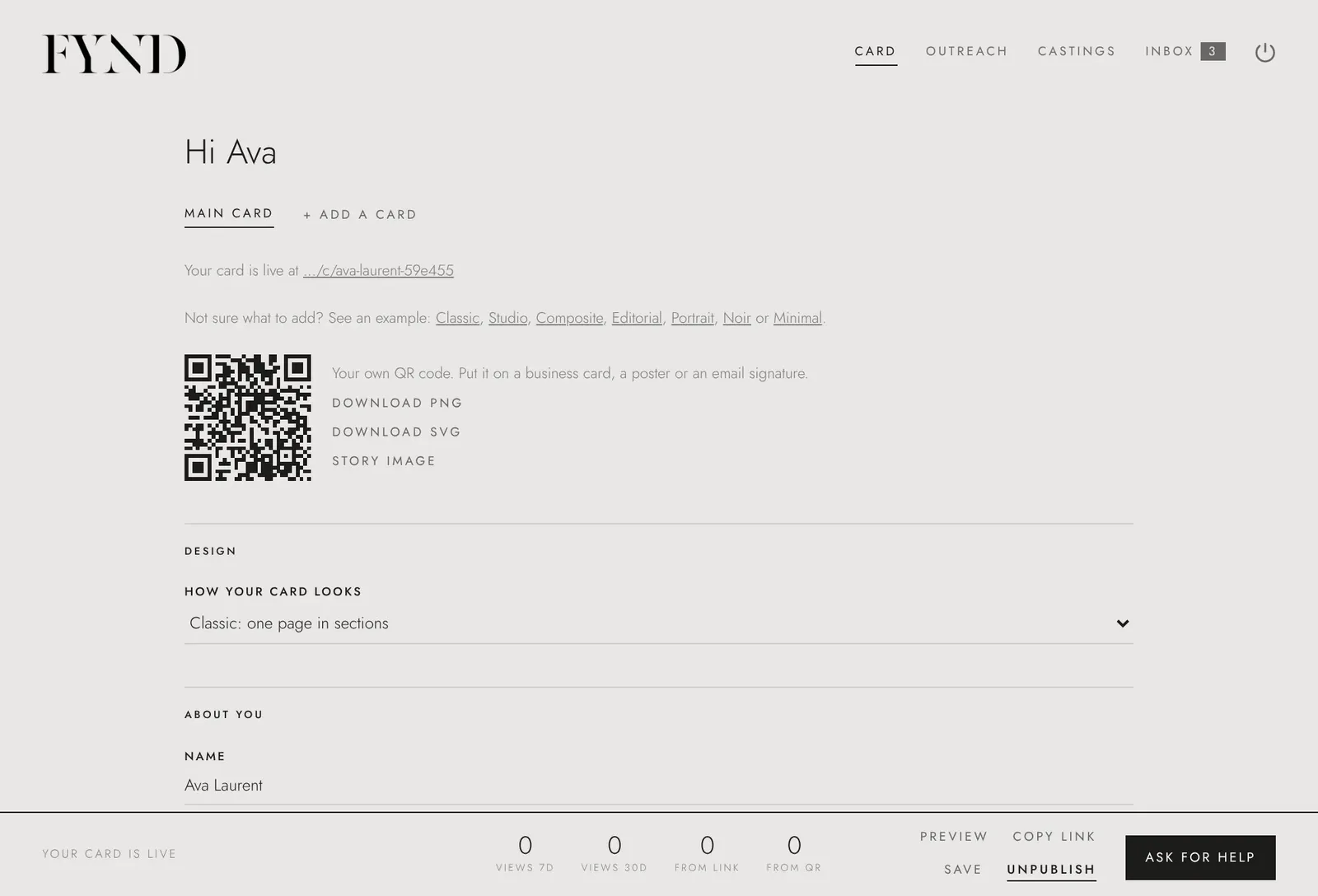
- On the Card tab, choose Copy link to copy your card address. Paste it in your bio, emails or messages.
- Under Your own QR code, choose Download SVG or Download PNG for business cards, posters and email signatures.
- Choose Story image to download a ready-made image for Instagram stories.
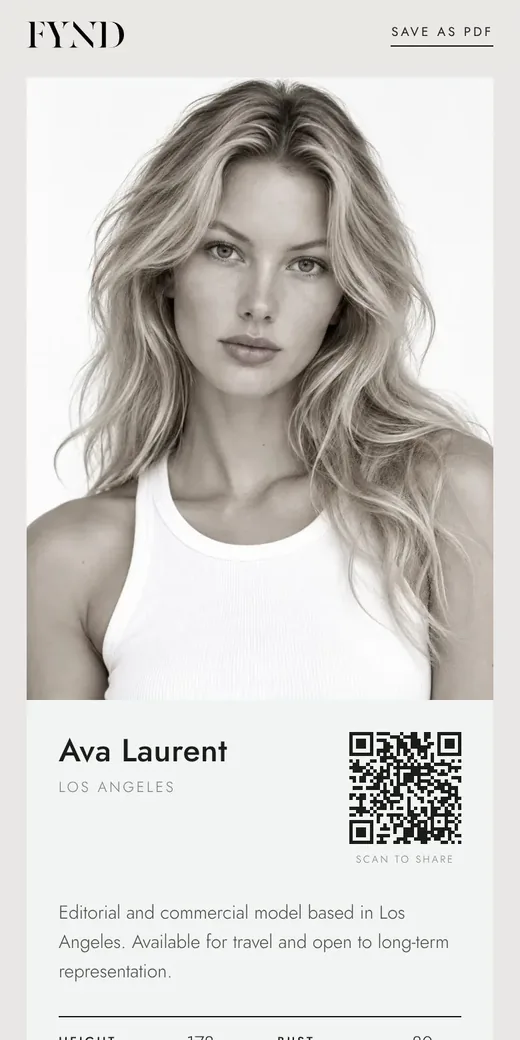
- To save a PDF, open your public card and use Save as PDF at the top. Every design saves as a clean A4 PDF with your photos, details and QR code.
Good to know
- Your date of birth is never shown on a card or in the PDF.
- See how it is doing under How your card is doing: views per day, split by link and QR code.