How to change your password, download your data or delete your account
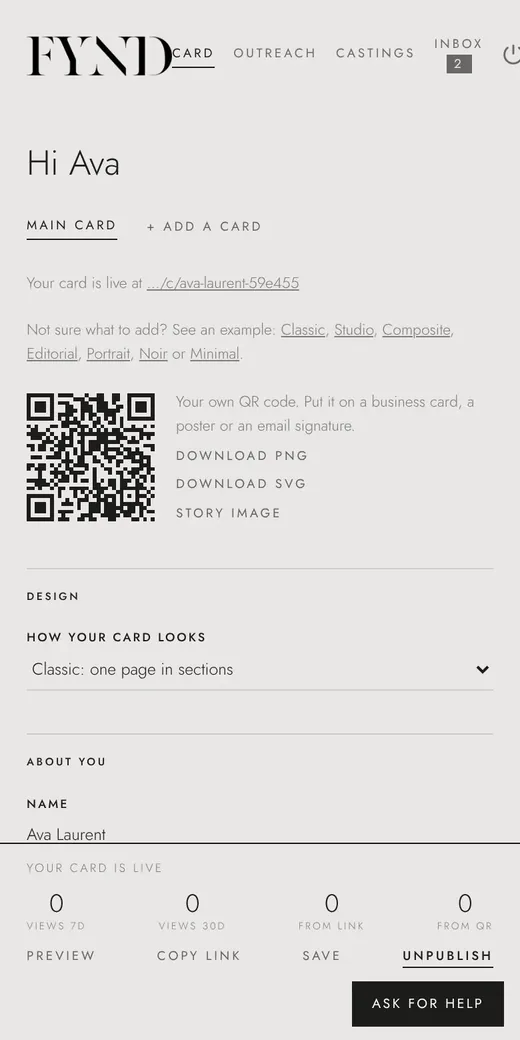
In Account on the Card tab you can change your password, sign out everywhere, download all your data, or delete your account.
Steps
- Open the Card tab and scroll to Account.
- To change your password, choose Change password, enter a new one of at least 10 characters and Save password.
- To sign out on every device, choose Sign out everywhere.
- To keep a copy of everything, choose Download my data.
- To remove your account, choose Delete my account and confirm. Your cards, photos, messages and applications are deleted.
Good to know
- Download your data first if you want a copy before deleting.